TP-Link TL-WR1512X: Is a Travel Router Useful for Thailand Stays?
A travel router can simplify connecting your devices in a temporary room. Check the internet source, local model and power requirements first.

Editors
Nov 2, 2026 · 5 min read
Status
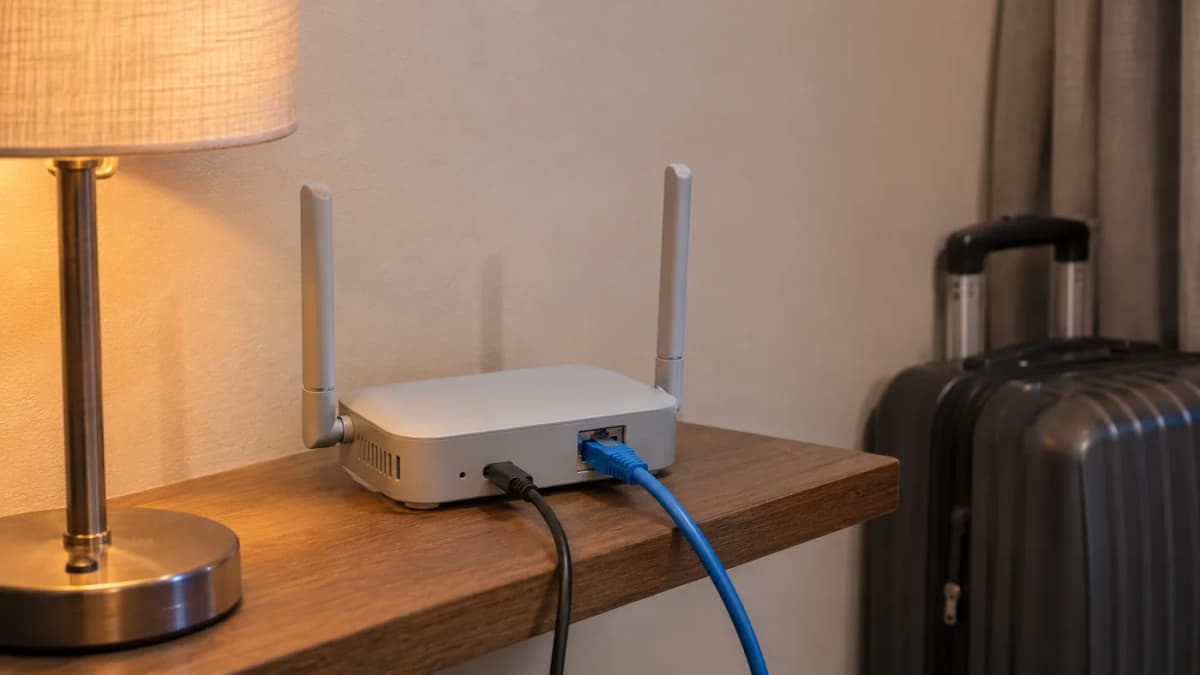
Quick answer: A TP-Link TL-WR1512X can be useful if you regularly move between hotels or short-term rentals with several devices. It can provide your own local network around an existing connection. It does not create free internet, fix an overloaded hotel connection or contain an automatically activated mobile data plan.
We may earn a commission from purchases through the shopping links in this article.
The problem it can actually solve
Arriving at a new room with a laptop, tablet and phone can mean repeating the same network setup several times. A travel router gives you a consistent local connection for your devices, while you configure how the router reaches the internet at each stay. Whether that convenience is worth another item in the bag depends on how often you move.
The TL-WR1512X listing in the TP-Link store was 2,520 baht on 2 November 2026. Its warranty field displayed a lifetime seller-warranty label. Ask the store to confirm the applicable conditions, service channel and proof-of-purchase requirements; that label does not independently establish unlimited coverage. This guide is based on the Thai manufacturer page and the listing, not our own hotel or speed testing.
Start with the internet source
TP-Link's Thailand specification describes dual-band AX1500 Wi-Fi 6, one Gigabit WAN port, one Gigabit LAN port, USB 3.0 and modes including hotspot, router, access point and USB tethering. These are connection options. Your actual internet performance still depends on the upstream service, the surroundings and the devices involved.
If the room has a usable Ethernet connection, ask the property whether guests may connect their own router. If it provides Wi-Fi with a sign-in page, confirm that the supported hotspot setup works with that network's authentication. The manufacturer describes captive-portal login support, but a particular property can impose its own device or network rules.
Do not buy a travel router expecting it to turn a weak, crowded connection into a fast service. It may make your own device arrangement easier without improving the building's connection. When a critical meeting depends on internet access, arrange and test an alternative connection as well.
USB tethering is not a built-in SIM modem
TP-Link lists USB tethering and external USB modem modes. Those require compatible additional equipment or a supported phone and its own data service. Confirm the phone, modem, provider and data-plan conditions before relying on that route. The presence of a USB port does not establish compatibility with every device that physically plugs into it.
For someone travelling alone with one laptop, the phone's own hotspot may already be enough. A separate router becomes more interesting when you repeatedly connect several devices, need a wired local connection or want a consistent network arrangement. Write down the specific extra task it must perform before buying it.
Match the Thai model and power label
The exact model here is TL-WR1512X. It is easy to confuse with the similarly named TL-WR1502X. Use the product label and regional documentation for the unit you receive. In particular, do not copy a charging-voltage recommendation from a different travel router just because both have USB-C connectors.
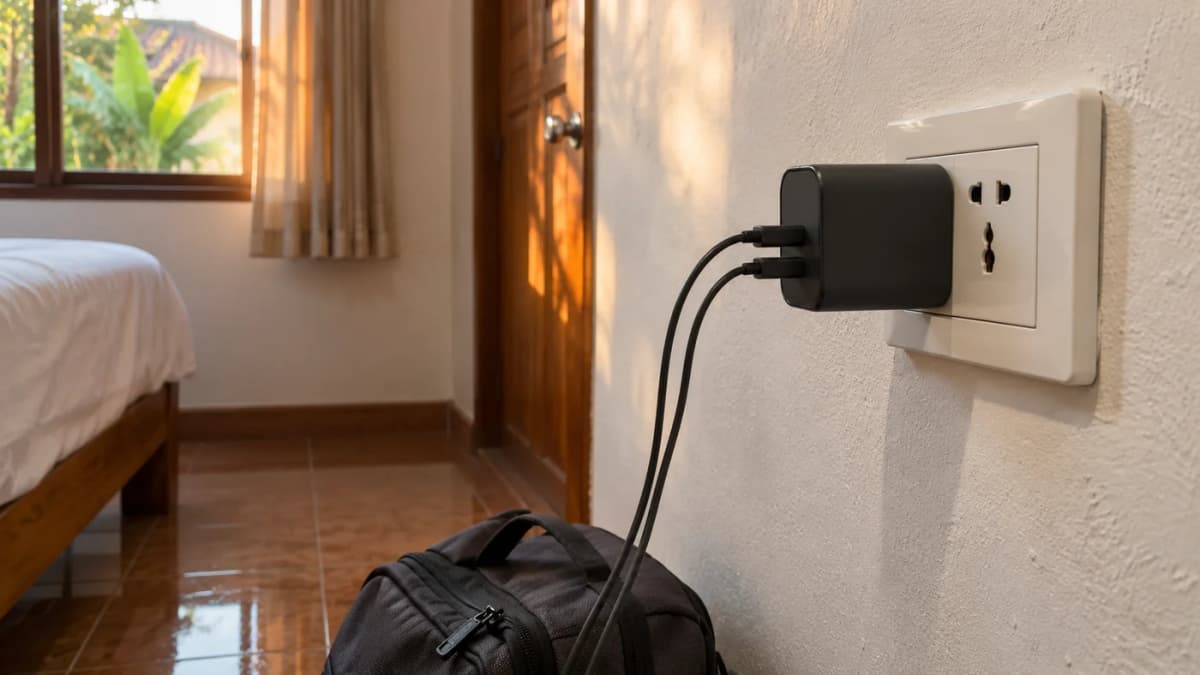
The Thai product page specifies 5V/3A power. TP-Link's TL-WR1512X installation guide also recommends the supplied adapter or a suitable certified 5V/3A adapter. Prefer the included supply and check the actual unit's label and instructions. A power bank or charger must meet the stated requirements; connector shape alone is insufficient.
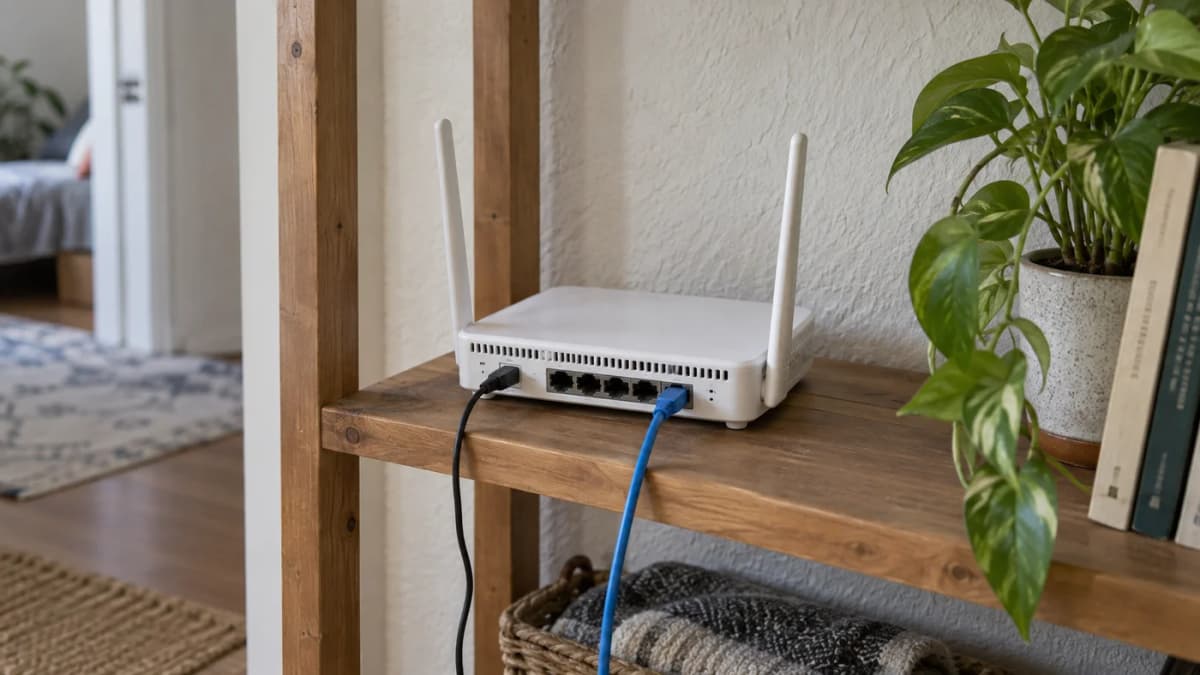
Plan where the router and its cable will go in a room. Keep its ventilation clear and avoid a position where luggage can pull the power lead out. Carrying an Ethernet cable is useful only if the places you visit offer a connection you are permitted to use. Add those small practical requirements to the total travel weight.
Security features still need a sensible setup
The Thai page lists OpenVPN and WireGuard support. A VPN feature needs a compatible configuration and, where applicable, a separate service. It does not mean a subscription is included, that all traffic is automatically protected or that your employer allows a personal router in its work setup. Follow your organisation's requirements.
Before the first trip, use the official setup instructions, install appropriate manufacturer updates and choose your own access credentials. Test the connection with non-critical work before an important call. Keep a simple way to connect the laptop directly if the extra device becomes inconvenient or the property's network does not support the intended arrangement.
Who should buy one?
Consider it if you travel repeatedly, carry several devices and have a clear use for its network modes. Skip it if you stay in one apartment with a satisfactory router, use only a phone or expect the product itself to supply mobile data. In those situations, spending on a suitable internet service or a better working location may be more useful.
Check the current TP-Link TL-WR1512X offer and confirm the exact model, included adapter and local warranty process with the store. For work outside normal office hours, our Hua Hin coworking-hours checklist covers questions to ask a venue before planning a late session.