How to Set Up Home Internet in Hua Hin: A Renter's Guide
Start with your exact address, not a speed ranking. A practical guide to rental permissions, broadband quotes, installation day and connection problems.

Editorial Team
Aug 8, 2026 · 7 min read
Status
Before comparing internet packages in Hua Hin, find out what can actually be installed in your home. A provider may serve the street but not your building, or the building may use older wiring that limits the connection. The most useful first call is an address check, with your exact unit number.
This guide is for setting up a fixed home connection. For phone packages and a backup hotspot, see our guide to mobile data and SIMs in Hua Hin.
Start with the landlord or building manager
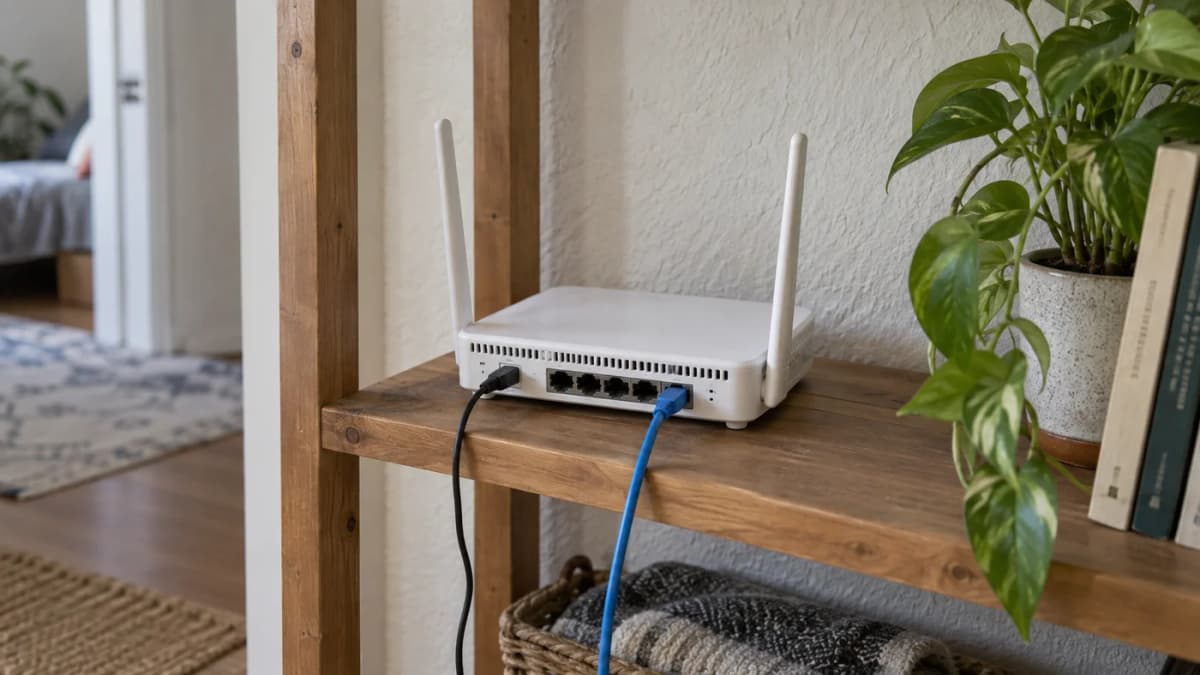
Ask whether the property already has an active internet account, who owns that account and whether the bill is included in your rent. A router left on a shelf does not prove that service is active or that you can take over the contract.
In a condo, ask which providers can reach your unit and whether installation requires permission to enter a communications room. In a house, clarify whether any new cable routing or drilling needs the owner's approval. Do this before booking a visit, particularly if you cannot be home to explain access.
Also establish what “Wi-Fi included” means. It could be a connection dedicated to your unit or a shared building network. Ask who handles faults, whether you control the router and whether there are usage restrictions. Do not order a second line until you understand what you already have.
Request an address-specific offer
Use the official AIS3BBFibre3 package pages and the provider's availability process to begin comparing. Ask any provider you contact to confirm the technology available at your address, the installation requirements and the full written quote. A neighbour's connection is a useful lead, not a promise that the same offer applies to you.
Fibre to the home brings fibre to the premises. In some buildings, fibre reaches a shared point and another type of wiring carries the connection to the unit. That difference matters more than whether an advertisement happens to contain the word “fibre”.
For a concrete example, AIS's published Broadband Condo offer lists a 50 Mbps download/20 Mbps upload VDSL package at 269 baht per month before VAT, with a 12-month commitment and eligibility restricted to suitable FTTB buildings. This is an example checked on 12 September 2026, not a quote for your Hua Hin address. Its terms also include activation and conditional installation-fee arrangements. A monthly headline price is only part of the decision.
Get these points in writing before signing
- The full monthly bill: tax, mandatory extras and the price after any introductory period.
- The commitment: start date, minimum term and what happens if you leave Thailand or move home.
- Early cancellation: which charges or installation discounts may become payable, and how they are calculated.
- Equipment: what is loaned, what you own and what must be returned when service ends.
- Installation: any extra cable work, appointment availability and access arrangements.
- Account requirements: the documents accepted for your situation and whose name will be on the contract.
- Support: how to report an outage, track a ticket and request help in English if you need it.
There is no single document list or cancellation fee that fits every operator and promotion. If your tenancy is shorter than the proposed internet contract, ask about a shorter arrangement or keep the existing service with a clear agreement. Do not assume a landlord can transfer an account without the provider's involvement.
How much speed do you need?
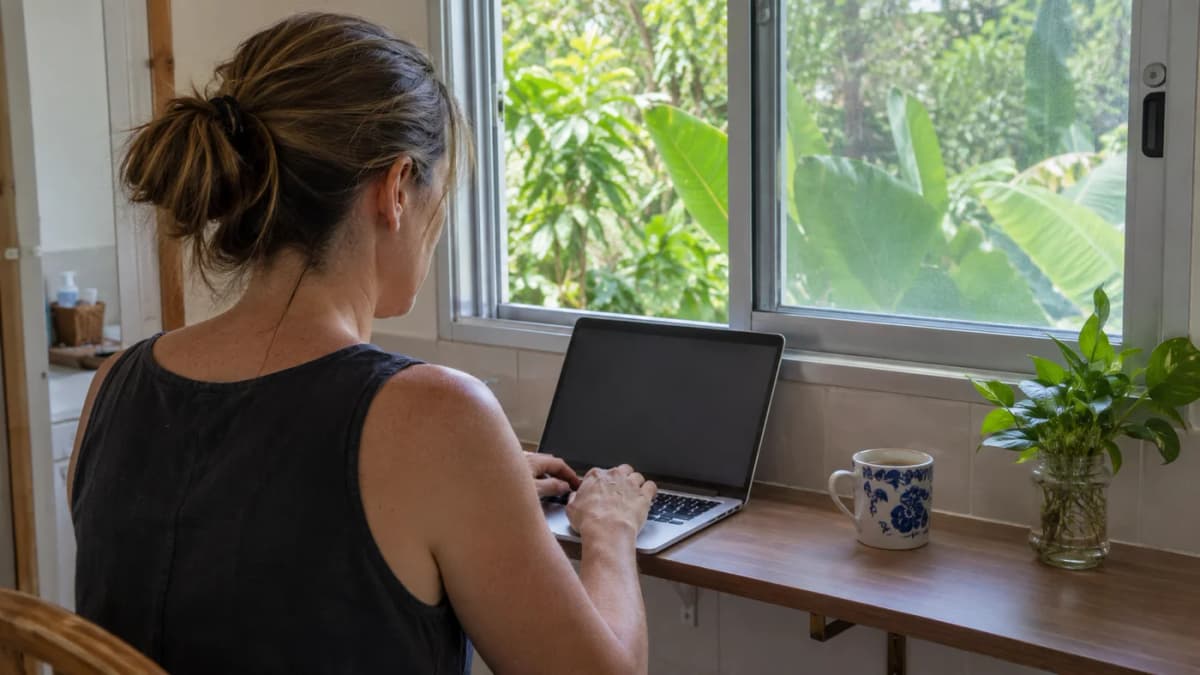
Choose around your work, not the largest number on the poster. Upload speed matters when you send videos or large project files. Several simultaneous calls, downloads and backups need more room than one person editing documents.
As a reference point, Zoom's web-app requirements list 1.2 Mbps in each direction for a one-to-one 720p video call. That is an application requirement, not a recommended household package or a promise of smooth calls. Other users, instability and the route to the service still matter.
A higher-speed subscription will not necessarily fix a weak Wi-Fi signal in a back bedroom. Before upgrading, separate the speed of the incoming line from the quality of the wireless connection inside the home.
Use installation day to test the right things
Have the technician place the router where it can serve the space sensibly, within the installation's limits. A closed cupboard or a distant corner may be convenient for hiding cables but inconvenient for the person trying to work.
- Confirm the account and package match your order.
- Test a wired connection if your device and the equipment support it. Pause large downloads and backups while testing.
- Try Wi-Fi at your actual desk and in the rooms where you need it.
- Open your work services, make a short call and send a representative file.
- Save the support details, account number and equipment-return information.
Ask about a better router position or a properly designed mesh setup if coverage is poor. A repeater is not a guaranteed cure. Keep the installation record and a note of the test conditions so a later support conversation starts with something concrete.
Secure the router without breaking the connection
Change a default administrator password if the provider allows it, use a strong Wi-Fi password and keep the router's software updated. Follow the provider's instructions for managed equipment rather than changing every advanced setting you find online.
Apple's router guidance recommends WPA3 Personal, or WPA2/WPA3 Transitional for compatibility; WPA2 with AES is a fallback where newer modes are unavailable. Avoid open networks and obsolete WEP security. Back up the configuration before making changes, and check that your older devices can still connect.
When the connection stops working
First establish the scope: one app, one device, Wi-Fi only, or every device including a wired connection? If only one service fails, the home line may not be the cause. If wired access works but wireless access does not, tell support that distinction.
Check the provider's outage information and follow its restart instructions. Record the time the problem began, the affected devices and the router's indicator lights. Light meanings vary by model, so avoid diagnosing a fault from a generic rule about a blinking lamp.
Do not factory-reset the router or unplug delicate fibre connectors as routine troubleshooting. You could lose required settings or damage the connection. Ask support for a ticket number and the next update, rather than relying on an assumed repair time.
Prepare for the work you cannot miss
Test a phone hotspot before an important meeting, including laptop access and remaining data. Keep essential files available offline and a charged power bank for the phone. A backup battery for your router only helps while the upstream network is also working; it cannot guarantee internet during an area-wide power cut.
For a practical handover and offline checklist, see our remote-work tools guide. The aim is to keep essential work moving, not to buy several subscriptions you have never tested together.
Frequently asked questions
Can any provider install internet in my Hua Hin condo?
No. Check the exact building and unit with the provider and building manager. Street coverage does not guarantee access to your unit or the advertised connection type.
Should I choose the fastest available package?
Not automatically. Consider simultaneous users, upload needs and Wi-Fi coverage. A faster line will not necessarily solve poor wireless coverage inside the home.
Can I cancel home internet when my rental ends?
Check the contract before signing. Minimum terms, equipment returns and repayment of installation discounts can apply even if your rental has ended.
Ananas Premium
Unlock Hua Hin's Best Property & Investment Insights
Enjoying our free content? Get unlimited access to premium articles, local market intelligence, member briefings, and exclusive checklists for ฿290 / $9.95 per month.
Sources & Verification
- Current provider package entry point — AIS3BBFibre3Source
- Address-dependent FTTB/VDSL offer and conditional fees; illustrative price checked September 12 2026 — AIS Broadband CondoSource
- One-to-one 720p web-app bandwidth, not a household package recommendation — Zoom web-app requirementsSource
- Router encryption, firmware and configuration backup guidance — Apple router settingsSource