Choosing a Coworking Space in Hua Hin: Wi-Fi, Calls and Value
A practical trial-session checklist for choosing a coworking desk, cafe or home setup that fits your actual working day.

Editorial Team
Aug 28, 2026 · 6 min read
Status
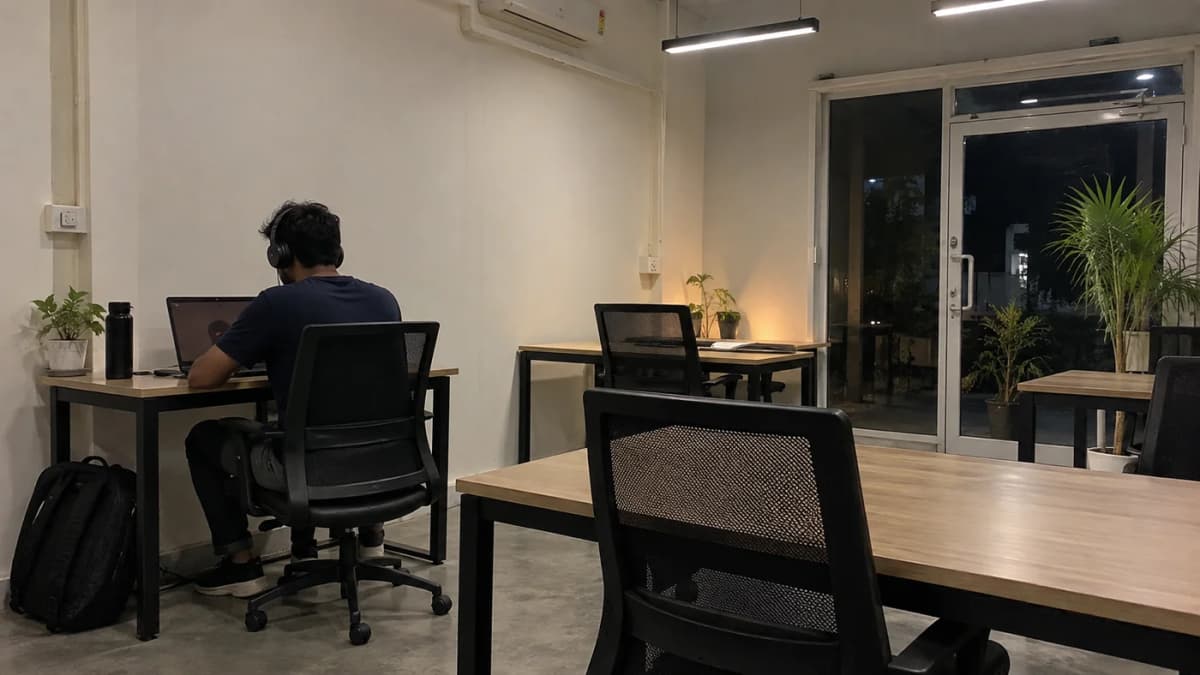
A workspace can look convincing in a photograph and still be wrong for your working day. Perhaps the desk is comfortable but calls are not allowed. Perhaps the connection is fast but the room closes halfway through your European team's afternoon.
Instead of another ranking built around unsupported Wi-Fi scores, this guide gives you a practical way to compare a Hua Hin coworking space, a cafe and your accommodation. For named venues and published prices, start with our coworking shortlist.
Write down the job the space must do
Start with three non-negotiables. For example: private calls from 7pm to 9pm, a comfortable desk for four hours and a way home without renting a scooter. Someone who mainly edits photographs may instead need reliable large uploads, controlled glare and permission to leave a monitor.
Then separate necessities from preferences. Good coffee is pleasant; reliable access to your client meeting is essential. A lively community can be valuable, but an advertised networking event does not solve a privacy problem.
Send the operator your actual requirements before visiting. “Can I take two video calls after 7pm on this pass, and what room booking would I need?” is easier to answer than “Is this good for digital nomads?”
Test your work, not just a speed-test number
Ask permission to try the connection from a desk you would use. Test your normal browser tools, a small non-sensitive upload and a call with a willing colleague. Note the time, location and whether you used the guest network or another connection. A screenshot without that context is not a useful comparison.
Download speed is only part of the picture. Upload capacity, delay, interruptions and competition from other devices can all matter. A fast test next to reception does not establish performance in a meeting room or during your evening shift.
For perspective, Zoom's Web App requirements list 2.6 Mbps upload and 1.8 Mbps download for a 720p group video call. These are application requirements, not a guarantee of call quality. They also show why a blanket claim that 10 Mbps upload cannot handle HD calls is misleading.
Leave room for other applications and users. If your work requires a company VPN, test with the approved connection enabled. Do not disable workplace security controls to make a speed test look better; ask your IT team if something fails.
Check calls, privacy and room availability
Look for somewhere you can speak without disturbing other people or disclosing information. Ask whether a booth is bookable, whether there is a time limit and whether use costs extra. A room on a floor plan may already be reserved when you need it.
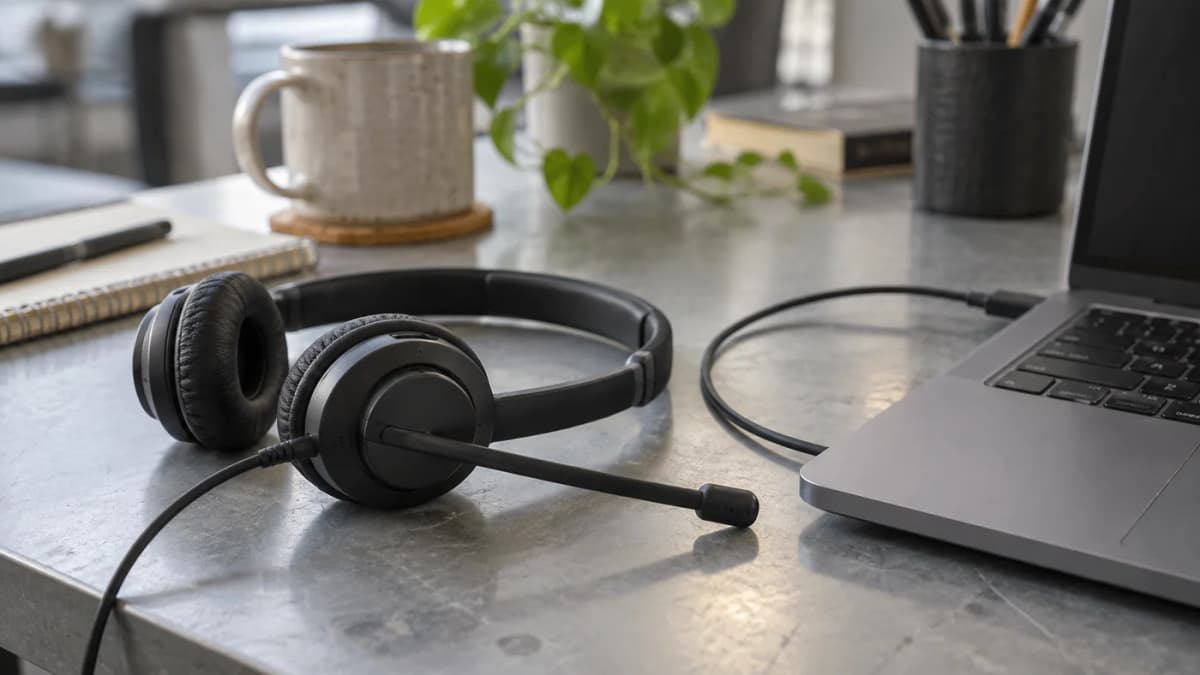
Use a harmless practice call to check microphone pickup and the camera background. Wear the headset you normally use, and ask the person at the other end what they can hear. If other customers are visible, adjust your position rather than turning them into the background of a client meeting.
Lock your screen when you leave your desk. Follow your employer's rules for shared networks and sensitive conversations. A coworking membership does not make a public room private.
Access hours are part of the product
Read the pass conditions separately from the building's headline opening hours. Reception hours, guest access, member access and private-room bookings may differ. Ask how your first entry works, whether identity checks must be completed in advance and whom to contact if an access code fails.
For example, Hua Hin Workspace's pricing page mentions 24/7 self check-in alongside a daily-pass exception and possible identity-verification delay. The useful question is what your chosen pass permits, not whether “24/7” appears somewhere on the website.
Also check air conditioning and lighting during late access. Being able to enter a building does not tell you which services will be running. Do not schedule your first overnight client presentation on an untested arrangement.
Sit long enough to notice the desk
A quick tour rarely reveals whether you can work comfortably. During a trial session, check whether your feet rest comfortably, whether the chair adjusts, whether the screen catches glare and whether your charger reaches without creating a trip hazard.
Listen for music and nearby conversation. Ask whether workshops or other scheduled activities share the area. Your requirement may be different on a writing day and a call-heavy day; one venue does not have to cover both.
For your own accommodation, do the same check in the actual room. A listing's “workspace” may be a small dressing table. Our home-internet guide explains the address and building checks to make before arranging a connection.
Compare the full cost
Ask for the total including tax, any deposit, room charges and the services you need. Check whether “monthly” means a calendar month, a period starting on activation or a limited number of visits. Do not treat these as equivalent.
Here is a deliberately hypothetical calculation: a 400-baht day pass used eight times costs 3,200 baht. A 3,600-baht monthly pass would not save money at that attendance level. At ten visits, the day passes would cost 4,000 baht. This compares pass cost only; the real decision must include actual terms, transport and extras.
For a cafe, count what you genuinely buy rather than assuming Wi-Fi makes the day free. For a home desk, distinguish one-off equipment from recurring rent and connectivity costs. Avoid paying for three overlapping solutions before you know which one you use.
Build a workable backup
Test a phone hotspot at the desk, not just outside the building. Check your plan's data allowance and tethering conditions. A second SIM is not automatically an independent backup if both services depend on the same network.
Keep essential files available offline where your work policy allows, and agree how to notify your team if a call drops. A battery-powered laptop helps only with the laptop; it does not keep the venue's router or your phone charged indefinitely. See our mobile-data guide and remote-work tools guide for the next checks.
After the trial, keep a short note: what worked, what failed and what the operator confirmed in writing. Choose the place that meets your actual requirements. You do not need to declare it the best coworking space in Hua Hin.
Frequently asked questions
Is a fast download result enough to choose a coworking space?
No. Try your real work tools and a permitted test call, and check upload performance, interruptions, privacy and access during your normal working hours.
Should I buy a monthly coworking pass before visiting?
Try a short session first where possible. Compare the full price, included services, access rules, expiry and expected attendance before committing.
Can a cafe replace a private meeting room?
Not for every task. Ask about laptop and call policies, and use a suitable private space when the conversation requires confidentiality.
Ananas Premium
Unlock Hua Hin's Best Property & Investment Insights
Enjoying our free content? Get unlimited access to premium articles, local market intelligence, member briefings, and exclusive checklists for ฿290 / $9.95 per month.
Sources & Verification