Mastering Asynchronous Communication for Remote Teams
A practical guide detailing the tools, workflows, and culture adjustments required to build a highly productive asynchronous remote workforce.

Editorial Team
Jun 2, 2026 · 2 min read
Status
Executive Summary
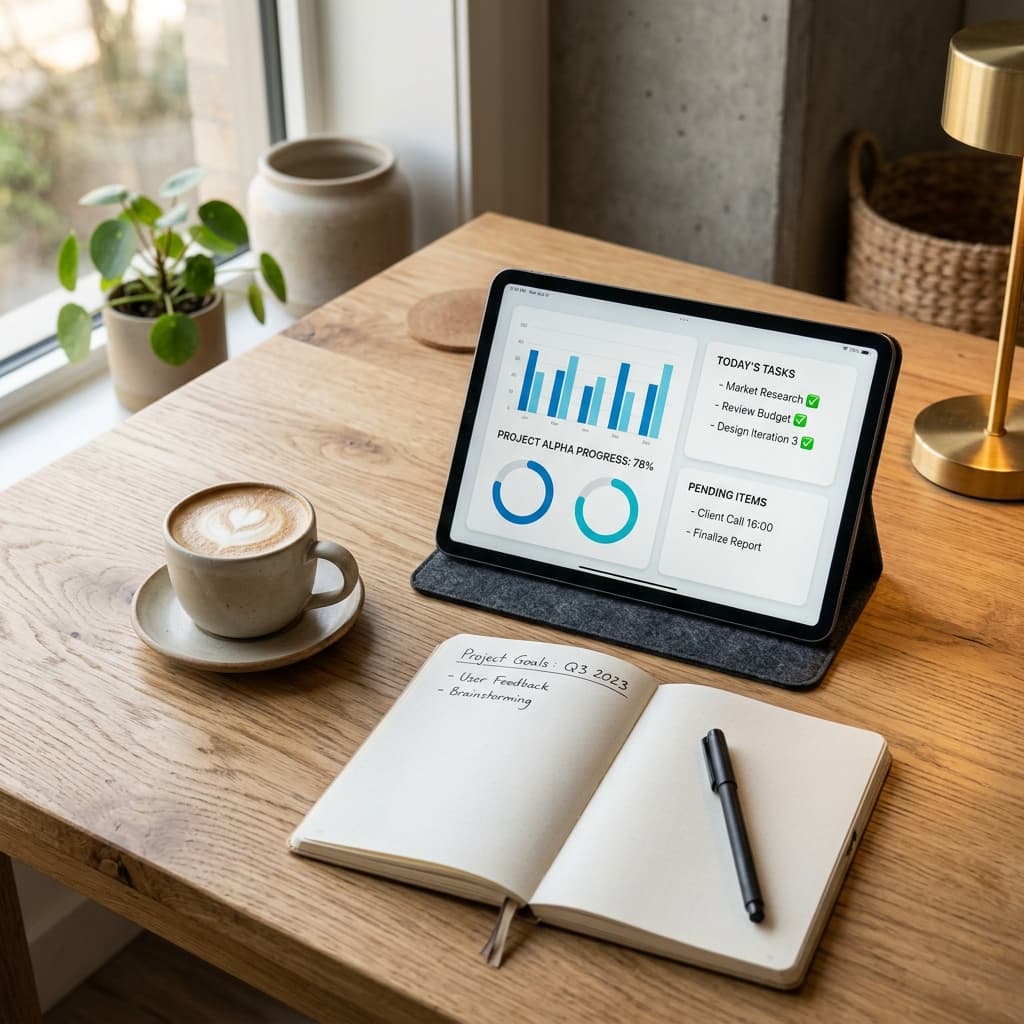
- Replacing status meetings with automated dashboards saves up to 5 hours per week per employee.
- Writing clear, action-oriented updates is a core skill that must be cultivated within remote teams.
- Defining clear response SLAs prevents anxiety and sets realistic collaboration expectations.
The Problem with Pseudo-Remote Work
Many organizations transitioned to remote work by simply replacing physical desks with virtual meetings. This synchronous style of remote work often leads to calendar clutter, zoom fatigue, and continuous context switching. True remote productivity requires a fundamental shift to asynchronous communication, allowing team members to focus on deep work without constant interruption.
Designing an Async Workflow
Transitioning to an async-first model begins with changing communication habits. Instead of asking quick questions on chat channels, team members are trained to write comprehensive, context-rich updates that include the problem, proposed options, and clear next steps. This ensures that the recipient has all the information needed to act without requiring immediate back-and-forth messaging.
"Writing clearly is the ultimate leverage in a remote organization. A well-written document can align a global team across multiple time zones without a single meeting."
Setting Communication Expectations
To make async work successful, teams must establish clear guidelines for response times. A common standard is to require updates within 24 hours, removing the expectation of instant replies. This boundary reduces stress, allowing engineers and designers to mute notifications and dedicate large blocks of time to focused work.
Practical Implementation Steps
Start by auditing your weekly meetings. Replace routine status updates with shared documents or automated dashboard entries. Next, encourage the use of recorded screen walkthroughs to explain visual updates or complex code changes. Over time, these practices build a searchable archive of company knowledge, making onboarding and operations significantly more efficient.